Different shops. One DROPS system.
Explore sample setups for cannabis shops, wholesalers, and digital sellers. Every demo runs on the same DROPS system.
Your system comes pre-configured.
Make it yours with your products, branding, and business rules.
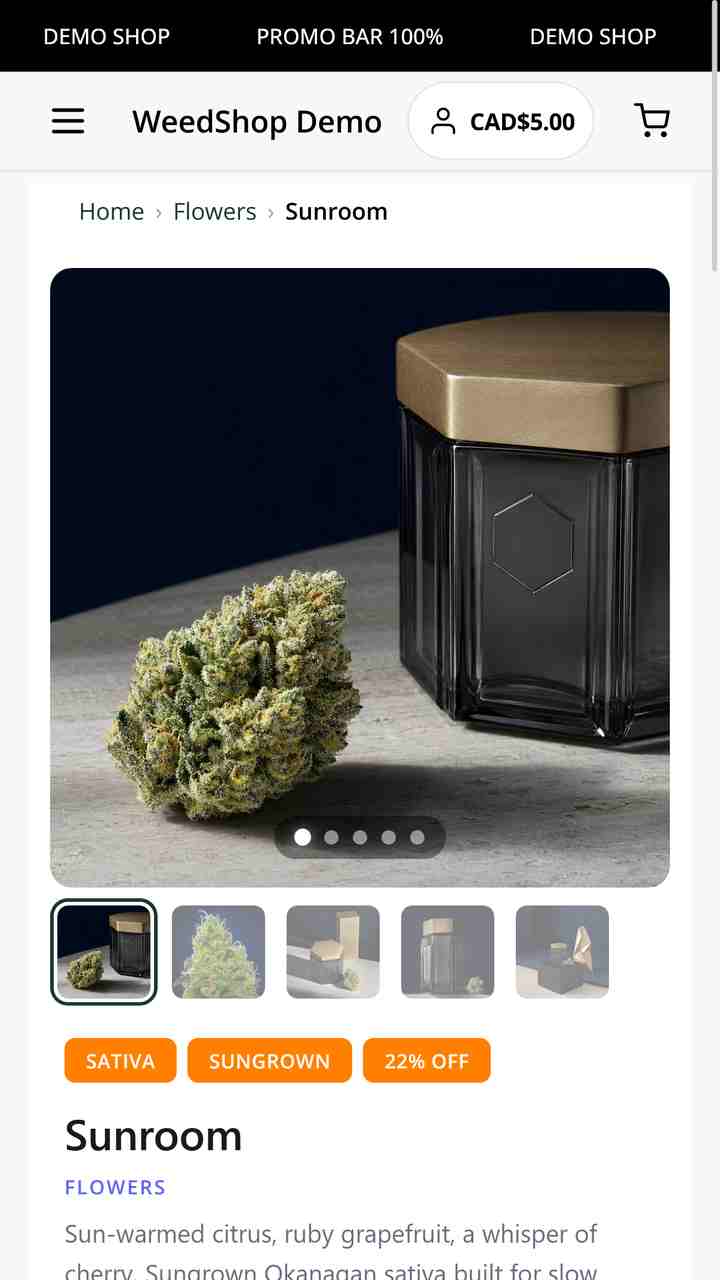
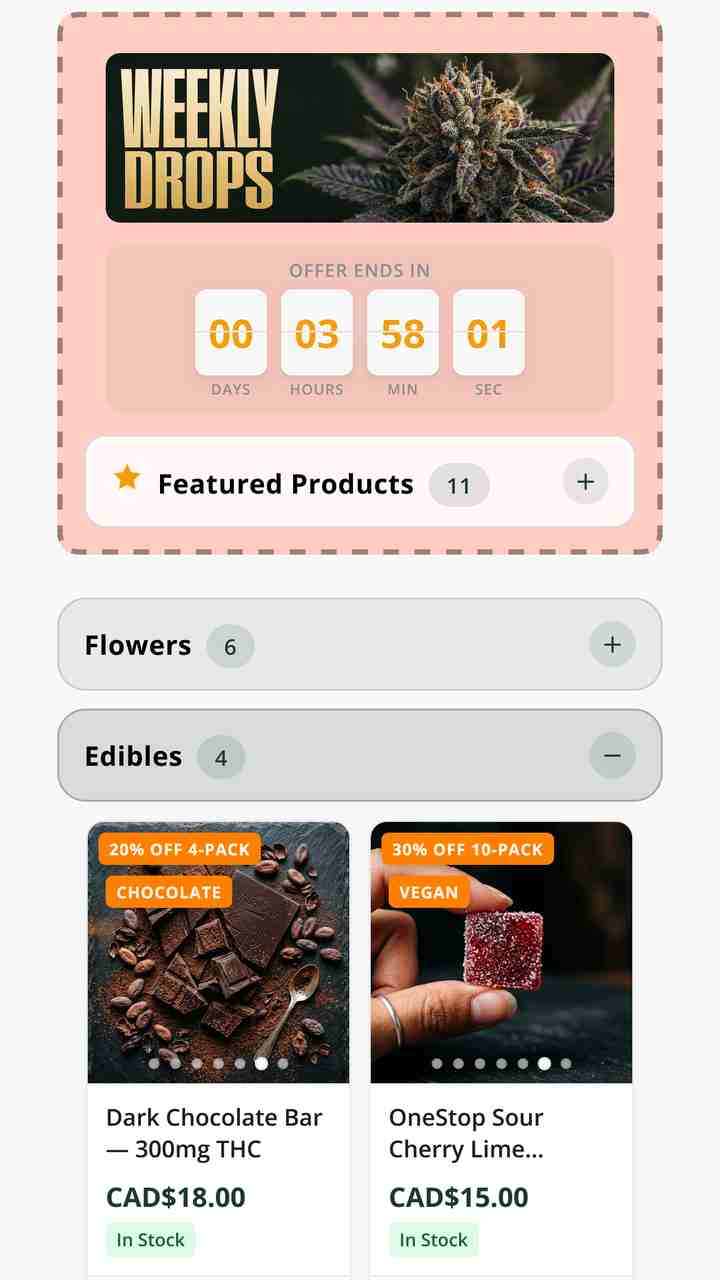
Your cannabis shop could look like this.
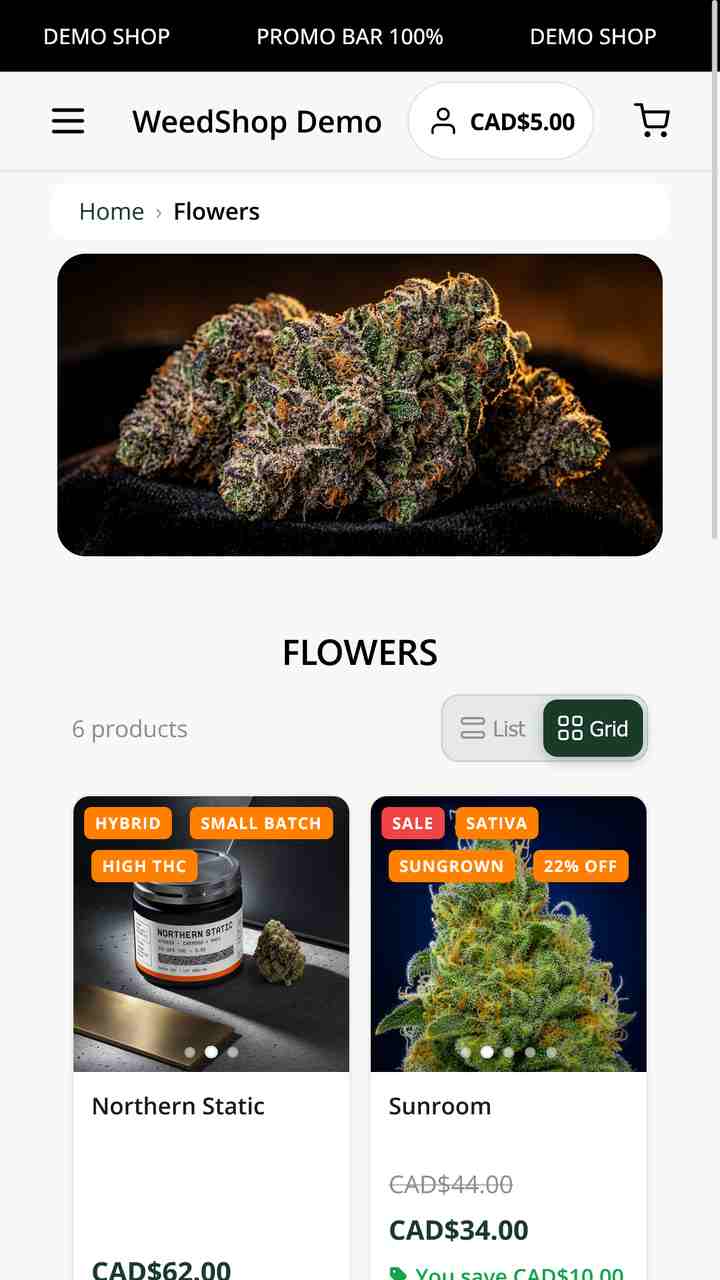
Explore the menu, product pages, and ordering experience.
Shared demo. Use sample data only.
Login help
On the next screen, tap ‘Use credentials,’ then ‘Login.’
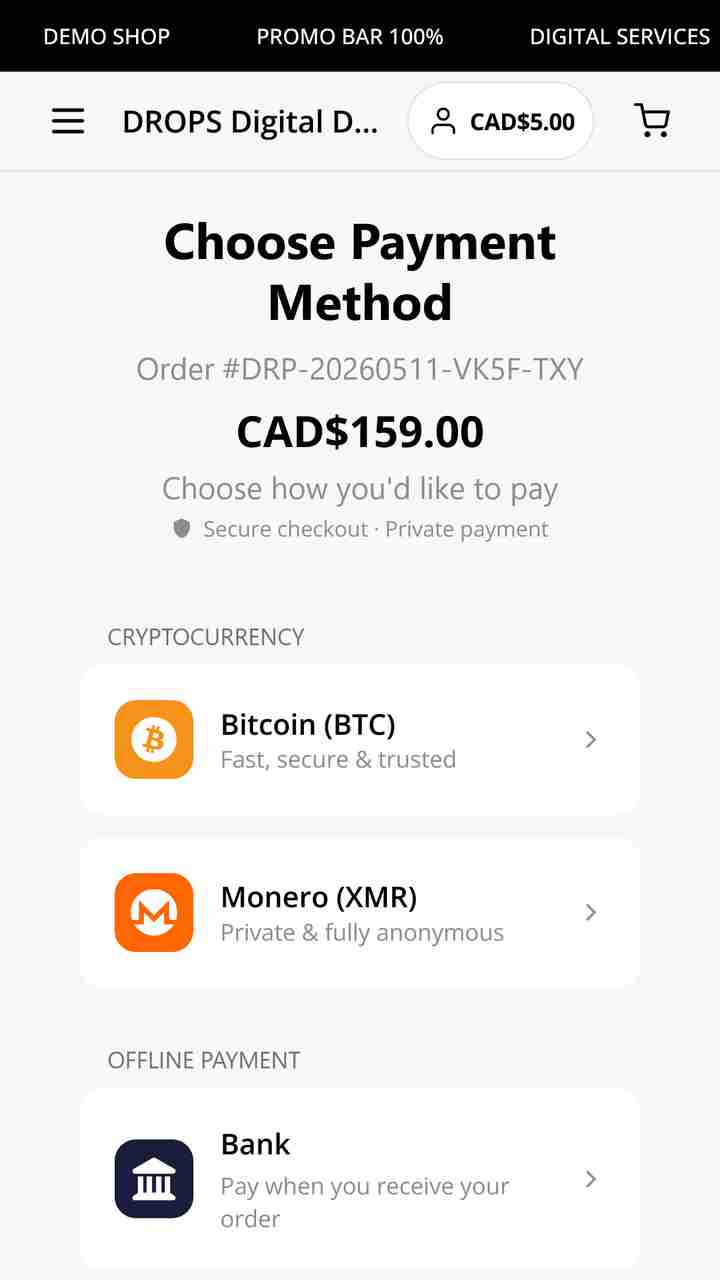
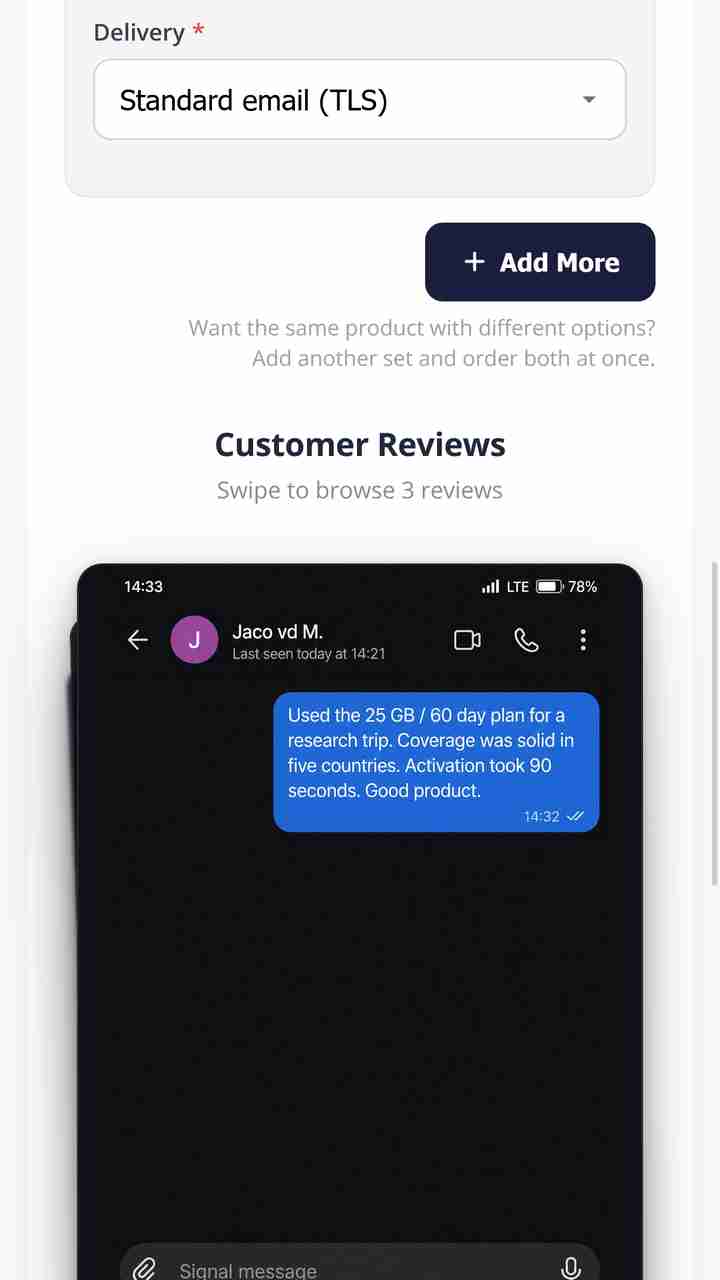
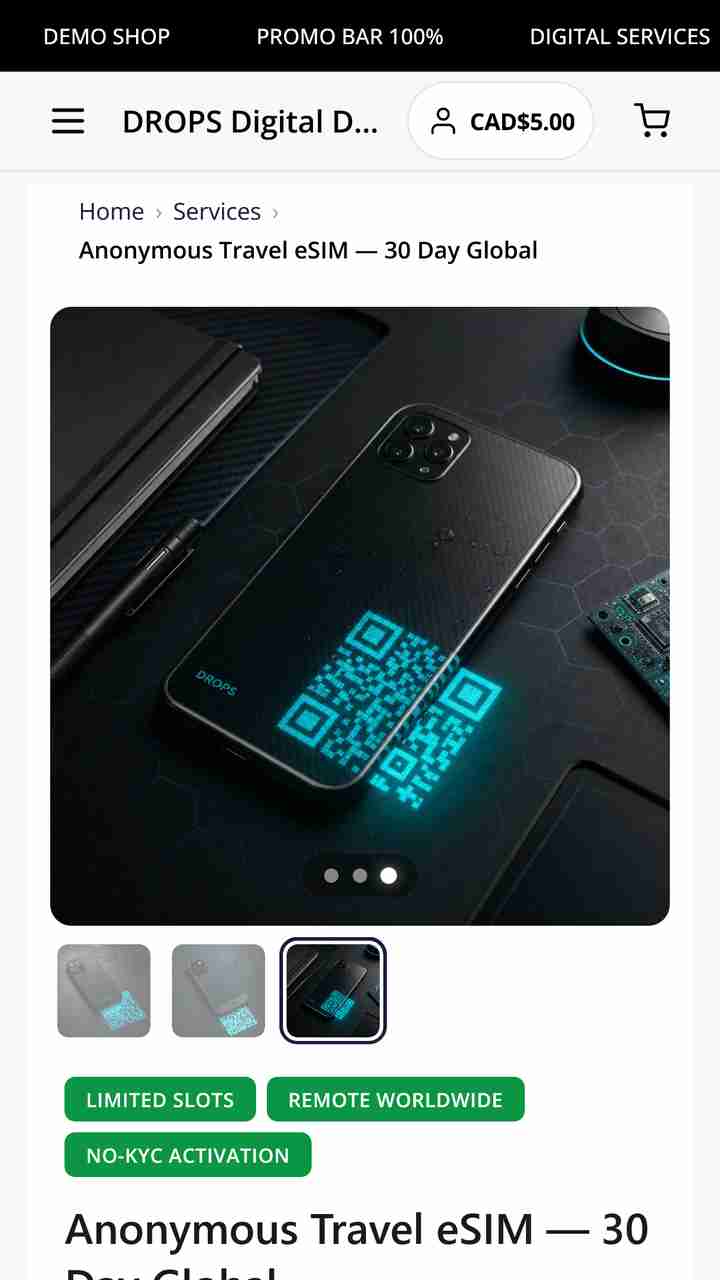
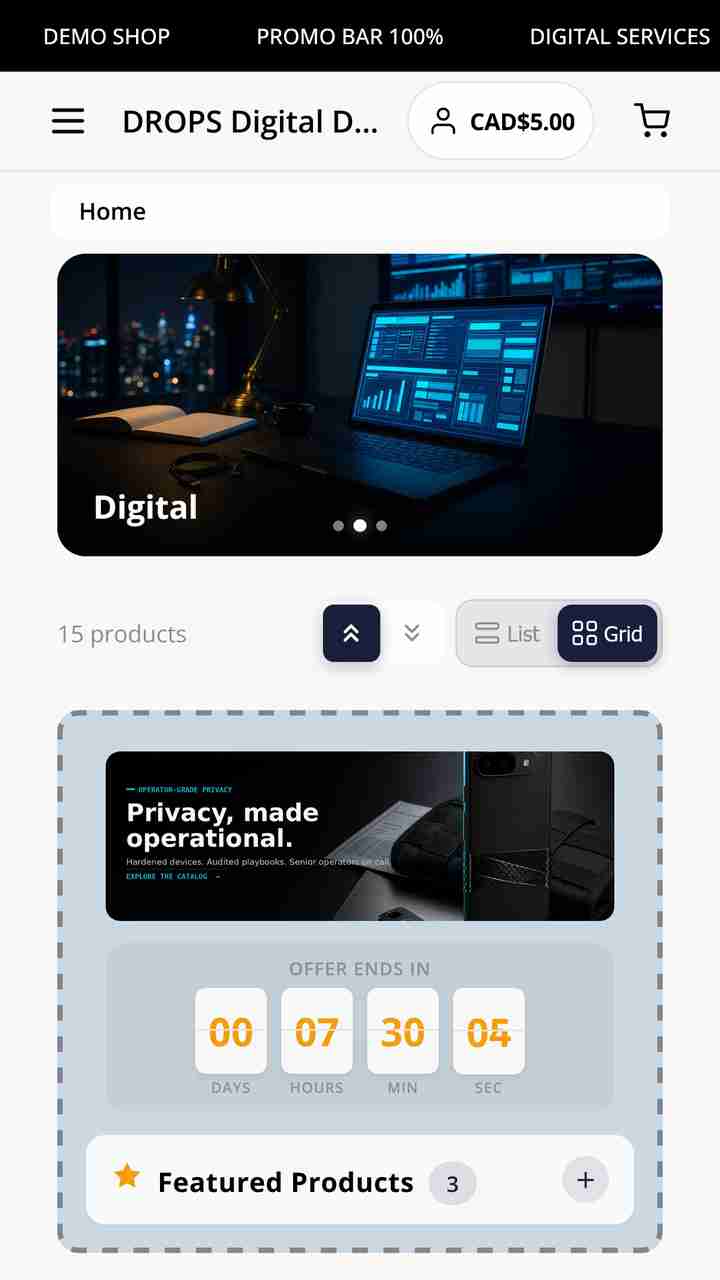
Sell physical products. And digital extras.
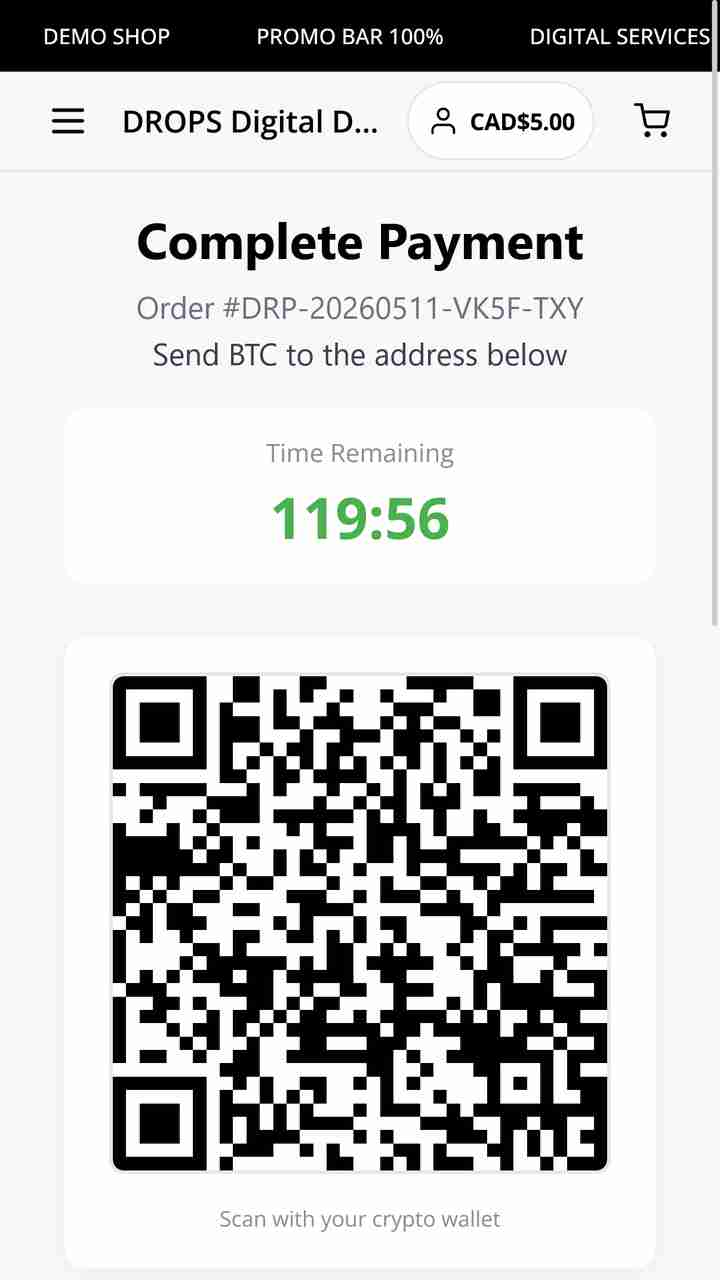
Add promo cards, memberships, and club cards alongside your regular products.
Shared demo. Use sample data only.
Login help
On the next screen, tap ‘Use credentials,’ then ‘Login.’
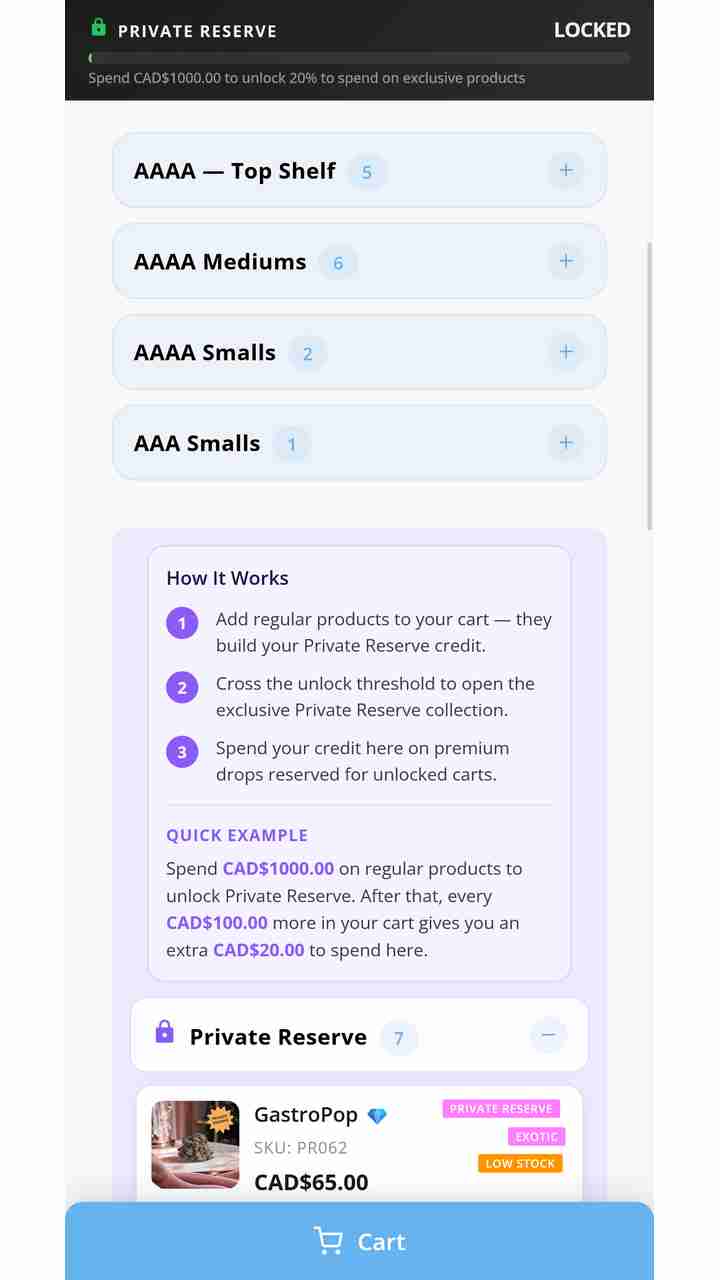
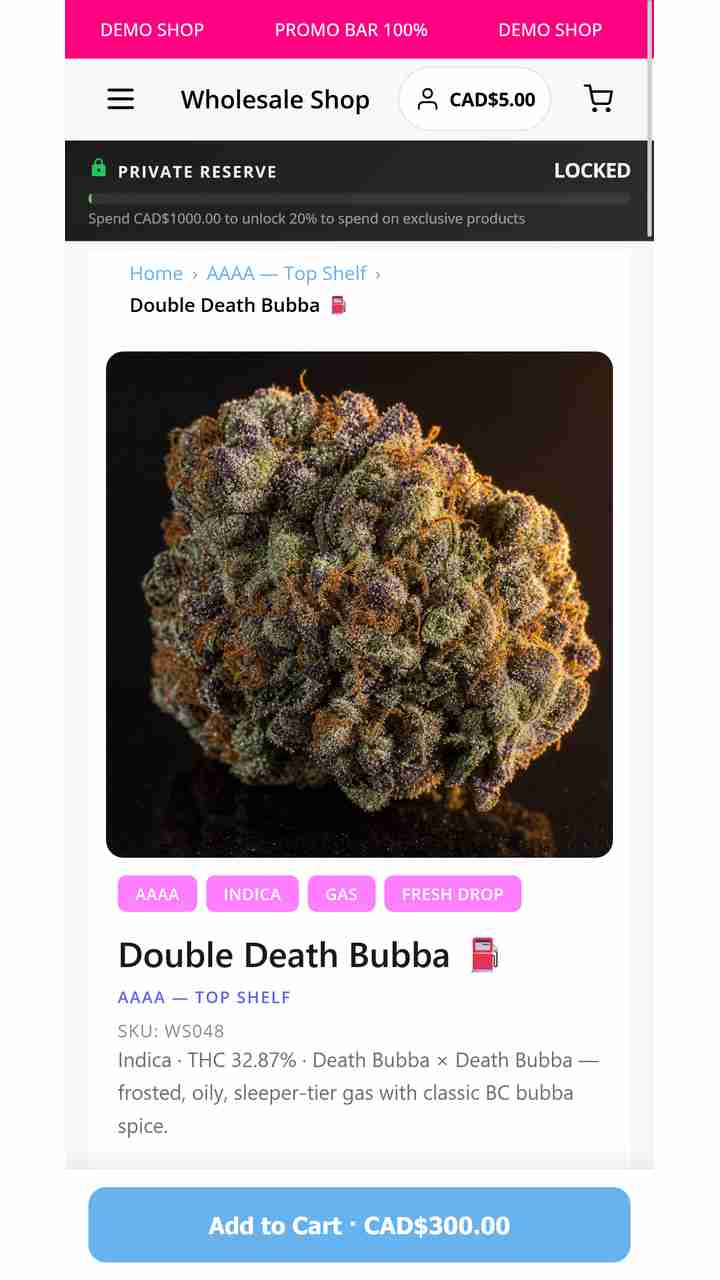
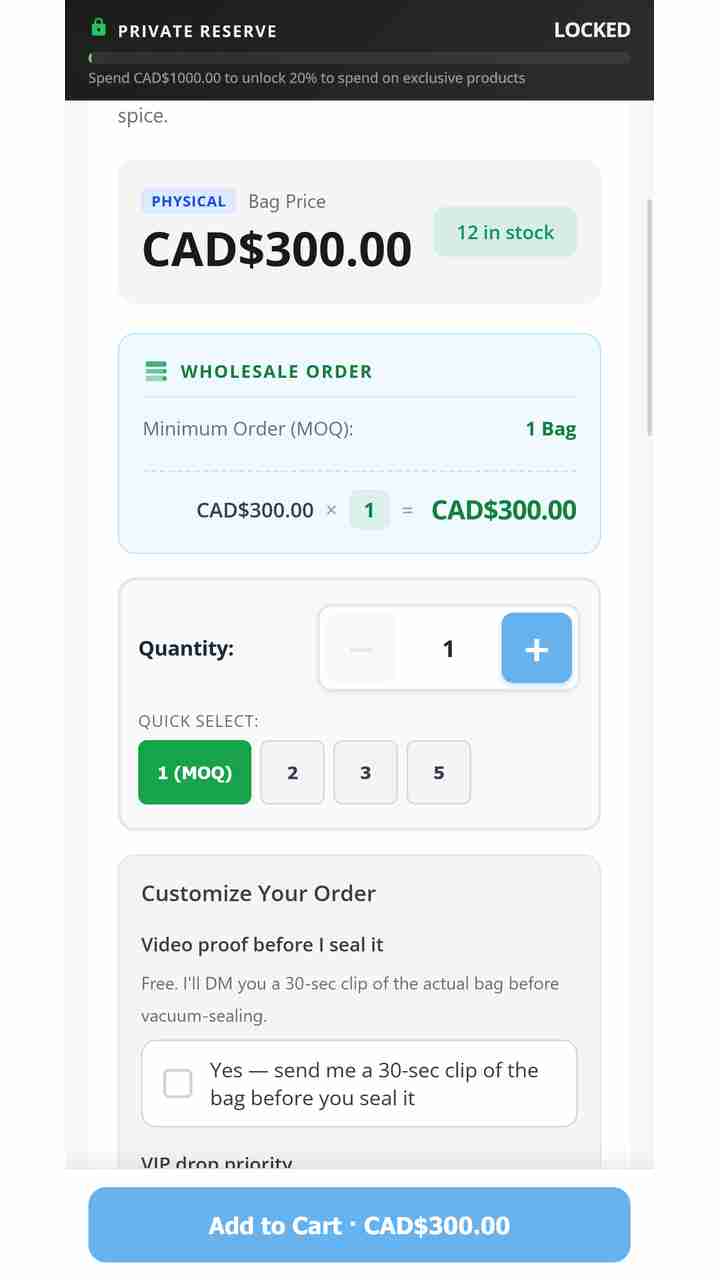
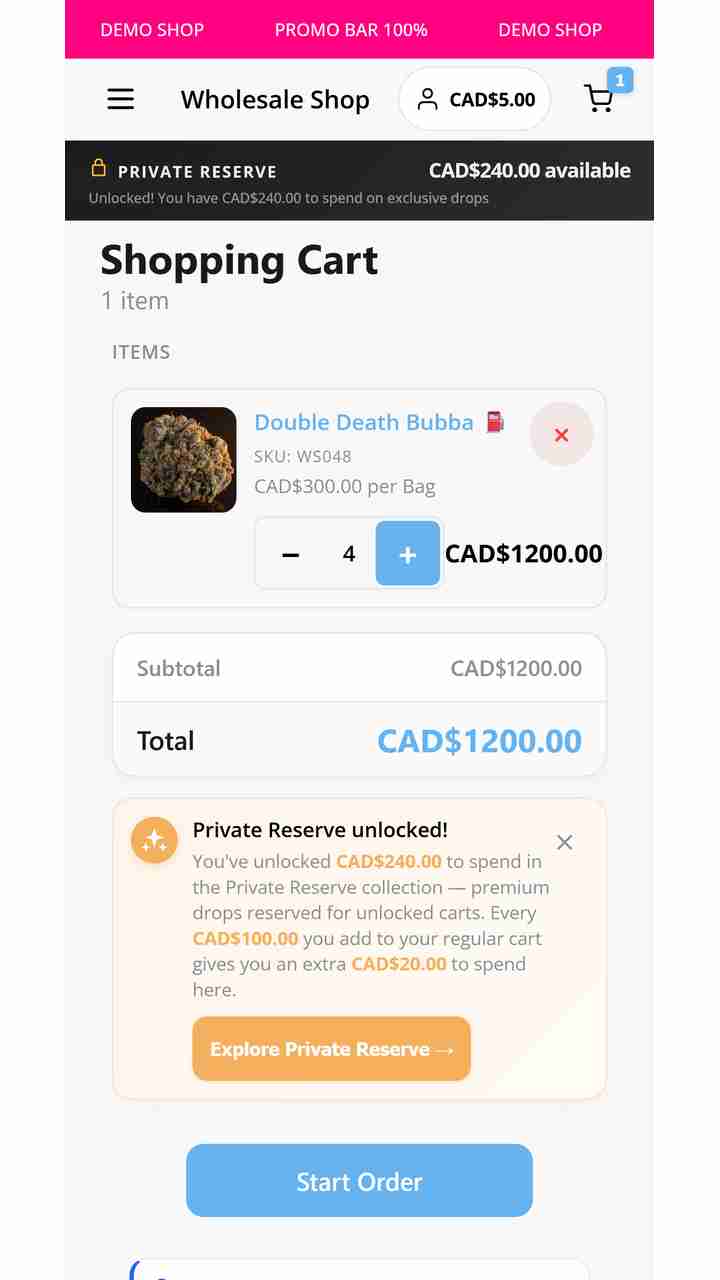
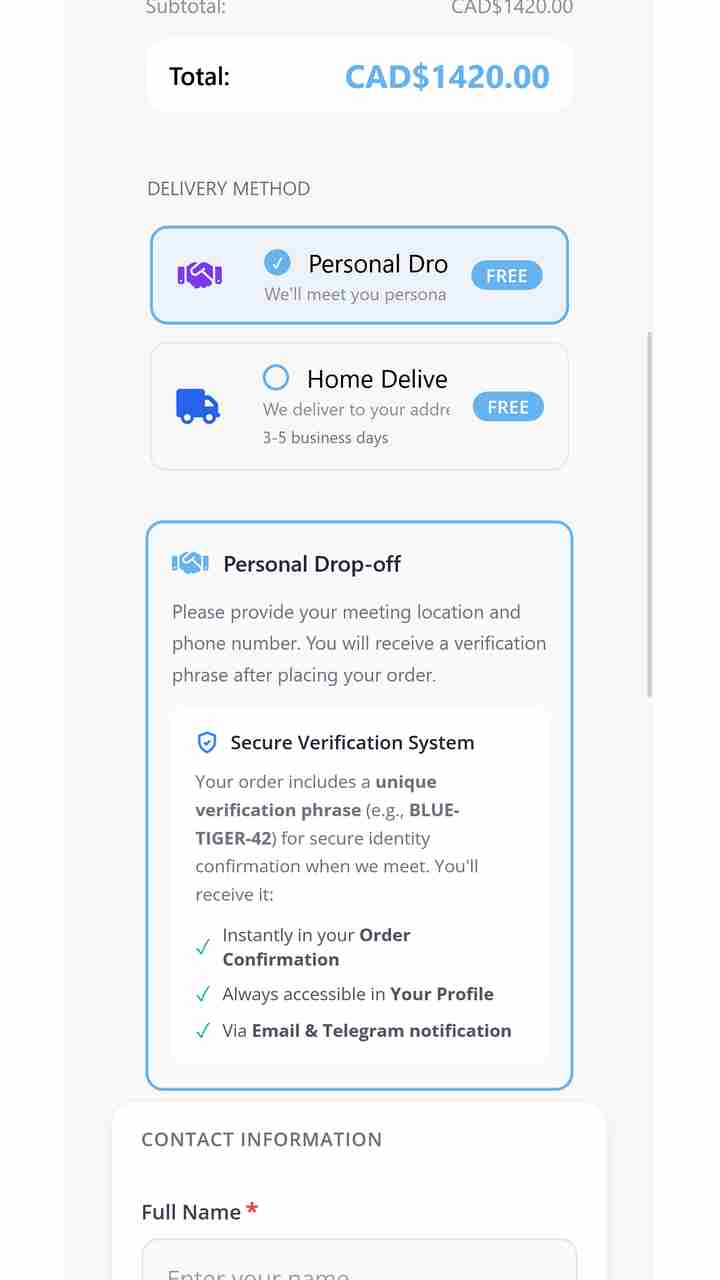
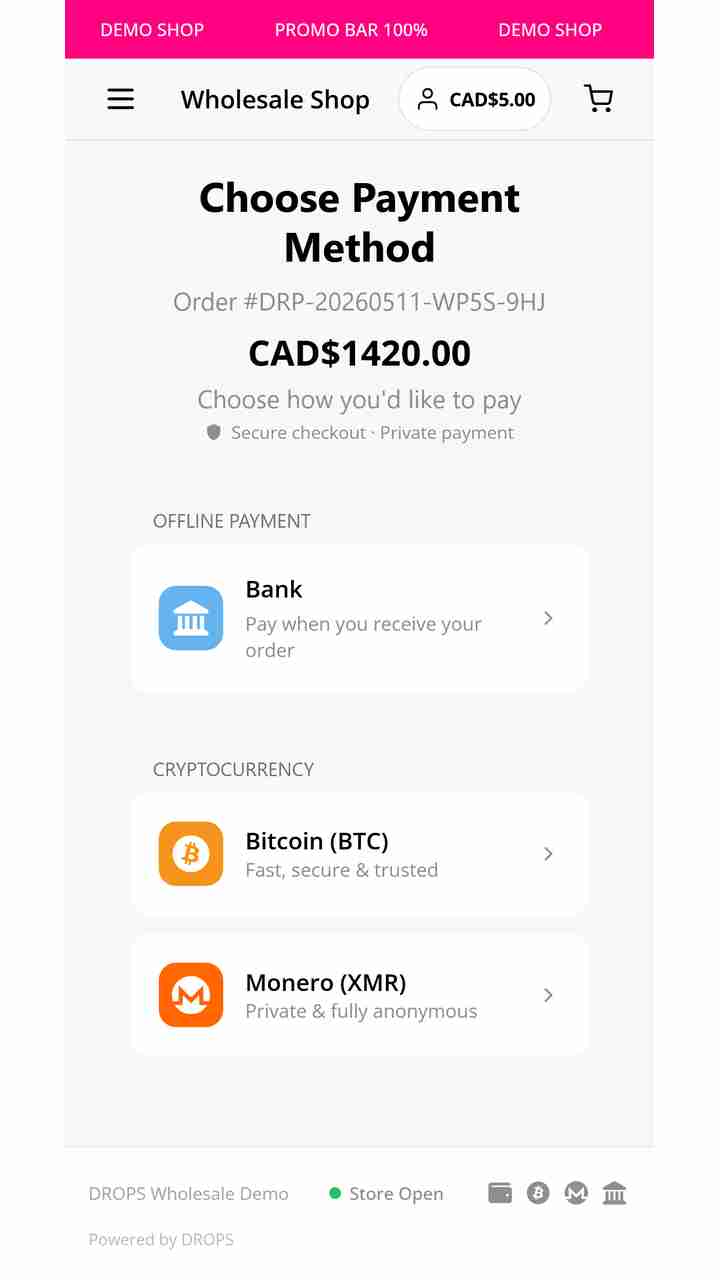
Your wholesale shop could look like this.
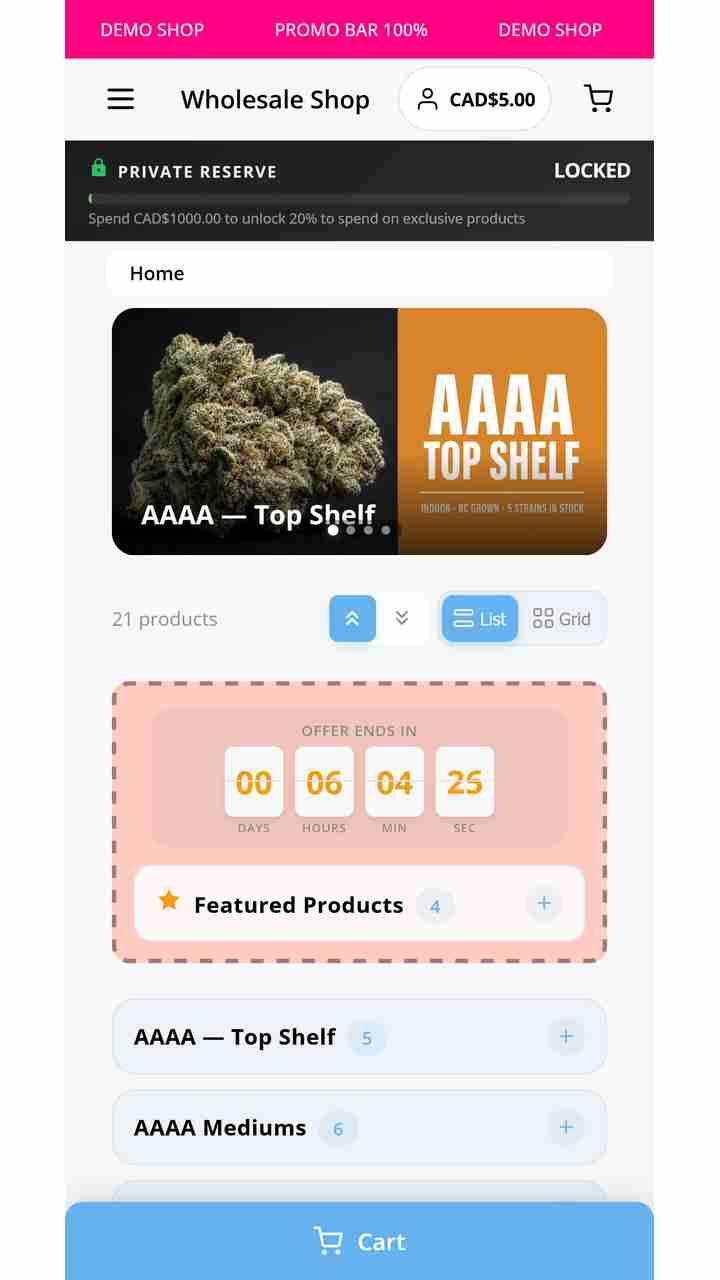
Explore a sample wholesale menu, then see how you manage it.
Shared demo. Use sample data only.
Login help
On the next screen, tap ‘Use credentials,’ then ‘Login.’
Questions before you start?
Choose a question to see the answer.
01Is every demo the same system?
Yes. Different products and branding, same DROPS system. Explore the demos to see what your shop could look like.
02What is already set up?
Your shop, checkout, order management, and marketing tools come pre-configured. Add your products and business rules, then make it yours.
03Do customers need Telegram?
No. Customers can order on the web. Add Telegram as another way to shop from the same menu.
04Can I try the dashboard?
Yes. Open Dashboard beside a demo to see how you manage the shop. Use sample data in this shared demo.
05Do I need extra plugins?
No. Products, orders, promos, referrals, and wallet settings are inside DROPS. Fewer tools to manage. More time for your shop.
06Am I still in control?
Yes. You choose your products and rules. Stop campaigns, turn off AI channels, remove staff access, or export your data when you need to.